
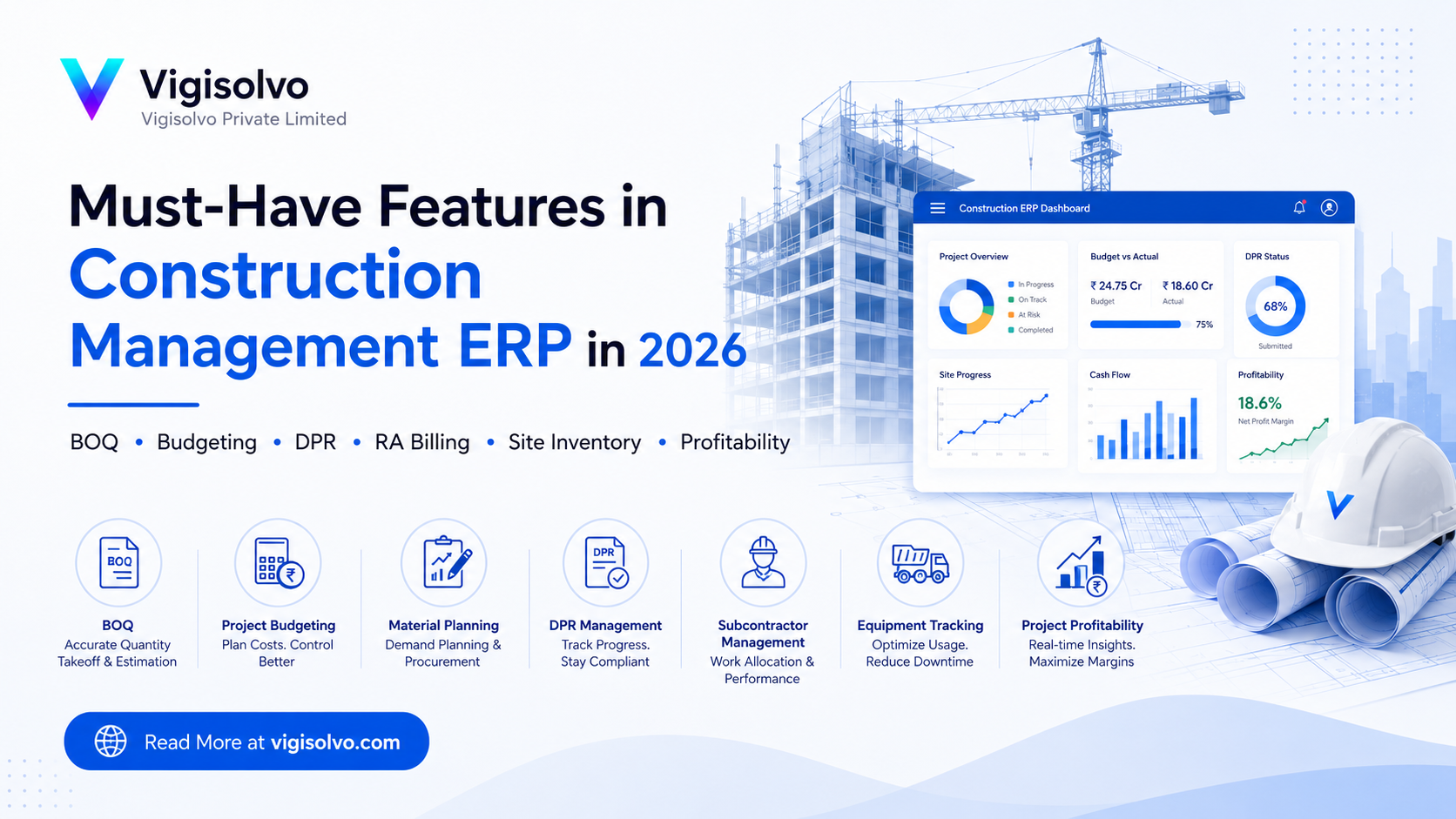
Construction companies do not fail only because of lack of projects. Many times, they lose money because they do not have proper control over project cost, material consumption, labour, subcontractors, billing, and site progress.
In 2026, construction companies need more than basic accounting software. They need a complete construction management ERP that connects BOQ, estimation, project planning, procurement, site execution, billing, inventory, labour, equipment, subcontractors, and profitability in one system.
A good construction ERP should answer simple but very important questions:
How much work was planned?
How much work is completed?
How much material was required?
How much material was actually consumed?
How much was estimated?
How much has already been spent?
How much has been billed to the client?
How much money has been received?
Which project is profitable?
Which project is going into loss?
This is why construction companies must choose an ERP that is designed around real construction workflows, not just generic purchase, sales, and accounts modules.
1. BOQ Management
BOQ, or Bill of Quantities, is the heart of every construction project. It defines the scope of work, quantity, rate, and estimated value of the project.
A construction ERP must have a strong BOQ management system where the team can create, revise, approve, and track BOQ items properly.
The ERP should manage:
- BOQ item name
- Description of work
- Unit of measurement
- Quantity
- Rate
- Amount
- Work category
- Floor, block, area, or location
- BOQ version
- Client-approved BOQ
- Internal costing BOQ
- Revised BOQ
- Extra work items
Example BOQ structure:
| BOQ Item | Unit | Quantity | Rate | Amount |
|---|---|---|---|---|
| RCC M25 Concrete | CUM | 500 | ₹6,500 | ₹32,50,000 |
| TMT Steel | KG | 80,000 | ₹62 | ₹49,60,000 |
| Brick Work | SQM | 2,000 | ₹850 | ₹17,00,000 |
| Internal Plaster | SQM | 4,500 | ₹210 | ₹9,45,000 |
A good ERP should also support BOQ revisions. In construction, BOQ keeps changing due to client changes, drawing revisions, site conditions, and extra work. Without revision tracking, companies lose control over scope and billing.
2. Estimation and Rate Analysis
Before accepting any project, the company must know the estimated cost and expected margin.
Construction ERP should allow detailed rate analysis for every BOQ item. Each work item should have a cost breakup of materials, labour, equipment, subcontractor charges, overheads, transport, fuel, and margin.
For example, for RCC work, the cost should include:
- Cement
- Sand
- Aggregate
- Admixture
- Labour
- Mixer or batching plant cost
- Pump cost
- Transit mixer cost
- Wastage
- Overhead
- Contractor margin
Sample rate analysis:
| Cost Component | Amount Per CUM |
|---|---|
| Material Cost | ₹4,200 |
| Labour Cost | ₹850 |
| Equipment Cost | ₹450 |
| Transport Cost | ₹300 |
| Overhead | ₹250 |
| Total Cost | ₹6,050 |
| Margin | ₹450 |
| Selling Rate | ₹6,500 |
This helps companies quote projects accurately and avoid losses caused by underestimation.
3. Project Budget Control
Once a project is finalized, the approved BOQ and estimation should become the project budget.
The ERP should track:
- BOQ budget
- Material budget
- Labour budget
- Equipment budget
- Subcontractor budget
- Overhead budget
- Actual cost
- Committed cost
- Remaining budget
- Budget overrun
Example:
| Cost Head | Budget | Actual Cost | Committed Cost | Variance |
|---|---|---|---|---|
| Cement | ₹20,00,000 | ₹16,50,000 | ₹2,00,000 | ₹1,50,000 Remaining |
| Steel | ₹50,00,000 | ₹48,00,000 | ₹6,00,000 | ₹4,00,000 Over |
| Labour | ₹30,00,000 | ₹22,00,000 | ₹4,00,000 | ₹4,00,000 Remaining |
| Subcontractor | ₹40,00,000 | ₹35,00,000 | ₹3,00,000 | ₹2,00,000 Remaining |
This report helps management stop uncontrolled spending before the project becomes loss-making.
4. Quantity Take-Off
For construction companies, quantity take-off is one of the most important parts of estimation.
The ERP should allow the team to calculate quantities from drawings, floors, blocks, rooms, walls, slabs, or work areas. Instead of entering only final BOQ quantity, the system should also store how that quantity was calculated.
For example:
| Location | Length | Width | Height | Quantity |
|---|---|---|---|---|
| Ground Floor Wall A | 20 m | 0.23 m | 3 m | 13.8 CUM |
| Ground Floor Wall B | 15 m | 0.23 m | 3 m | 10.35 CUM |
| First Floor Wall A | 18 m | 0.23 m | 3 m | 12.42 CUM |
Total Brick Work Quantity: 36.57 CUM
This helps estimators justify quantities, revise BOQ faster, and reduce dependency on scattered Excel sheets.
5. Material Requirement Planning
Material is one of the biggest costs in construction. If material is not planned properly, the project may stop due to shortage or money may get blocked in excess stock.
Construction ERP should generate material requirements from BOQ, project schedule, and site progress.
It should show:
- Required material
- Required quantity
- Required date
- Available stock
- Material already ordered
- Pending quantity
- Site-wise requirement
- Purchase required quantity
Example:
For slab casting planned on 20 July:
| Material | Required Qty | Available Stock | PO Pending | Purchase Required |
|---|---|---|---|---|
| Cement | 500 Bags | 220 Bags | 100 Bags | 180 Bags |
| Steel | 8 MT | 5 MT | 1 MT | 2 MT |
| Aggregate | 40 CUM | 10 CUM | 20 CUM | 10 CUM |
| Sand | 25 CUM | 8 CUM | 0 | 17 CUM |
This helps purchase teams procure material on time and avoid emergency buying at higher rates.
6. Project-Based Purchase Management
Construction purchase should always be linked to a project, site, BOQ item, or cost head.
A construction ERP must manage:
- Site purchase request
- Material requirement request
- Approval from project manager
- Supplier quotation comparison
- Purchase order
- Material receipt at site
- Quality check at receipt
- Purchase invoice
- Project-wise cost booking
- Supplier rate history
This ensures that every purchase is justified and traceable.
For example, if a site engineer requests 500 cement bags, the ERP should show whether the quantity is within budget, whether stock is already available, and whether the purchase is linked to upcoming work.
7. Site Store and Inventory Management
Most construction companies have a central store and multiple site stores. Without proper ERP, material gets lost, duplicated, over-purchased, or consumed without accountability.
ERP should track:
- Central warehouse
- Site warehouse
- Material transfer
- Material receipt
- Material issue
- Material return
- Scrap
- Wastage
- Stock adjustment
- Site-wise stock balance
- Item-wise stock ledger
Important reports include:
- Site-wise stock report
- Material issue report
- Material consumption report
- Excess material report
- Slow-moving material report
- Scrap and wastage report
Example:
| Material | Site | Received | Issued | Balance |
|---|---|---|---|---|
| Cement | Tower A Site Store | 1,000 Bags | 760 Bags | 240 Bags |
| TMT Steel | Tower A Site Store | 25 MT | 18 MT | 7 MT |
| Sand | Tower A Site Store | 100 CUM | 70 CUM | 30 CUM |
This gives real-time visibility to stores, project managers, and management.
8. Daily Progress Report
Daily Progress Report, or DPR, is a must-have feature in construction ERP.
DPR should be simple enough for site engineers to fill from mobile or laptop. It should capture what happened at the site every day.
DPR should include:
- Work completed today
- Labour deployed
- Material consumed
- Machinery used
- Subcontractor work done
- Site photos
- Safety observations
- Quality issues
- Weather impact
- Delay reasons
- Next day plan
- Engineer remarks
Example:
| Particular | Details |
|---|---|
| Project | Residential Tower A |
| Date | 15 July 2026 |
| Work Done | RCC slab casting, 120 CUM |
| Labour Present | 48 |
| Cement Consumed | 420 Bags |
| Steel Consumed | 4.8 MT |
| Equipment Used | Concrete Pump, Vibrator |
| Issue | Rain delay for 2 hours |
| Next Day Plan | Curing and shuttering removal preparation |
DPR helps connect site progress with material consumption, labour productivity, and billing.
9. Labour Management
Labour cost can directly impact project profitability.
ERP should manage:
- Labour attendance
- Daily wage labour
- Contractor labour
- Labour category
- Skill type
- Overtime
- Project allocation
- Task allocation
- Labour productivity
- Muster roll
- Labour payment
Example:
| Labour Type | Count | Rate Per Day | Total Cost |
|---|---|---|---|
| Mason | 12 | ₹800 | ₹9,600 |
| Helper | 20 | ₹500 | ₹10,000 |
| Electrician | 4 | ₹1,000 | ₹4,000 |
| Supervisor | 2 | ₹1,500 | ₹3,000 |
The ERP should also show labour productivity, such as how much work was completed per labour day.
10. Subcontractor Management
Most construction work involves subcontractors. If subcontractor billing is not controlled, project cost can increase quickly.
ERP should manage:
- Subcontractor master
- Work order
- Scope of work
- Rate contract
- BOQ-linked work allocation
- Measurement entry
- Work completion
- RA bill
- Retention
- Advance payment
- Debit note
- Penalty
- TDS and GST
- Final settlement
Example:
| Field | Details |
|---|---|
| Subcontractor | ABC Electricals |
| Work | Electrical conduit work |
| Rate | ₹120 per running meter |
| Completed Quantity | 5,000 RM |
| Gross Bill | ₹6,00,000 |
| Retention 5% | ₹30,000 |
| Net Payable | ₹5,70,000 |
This gives better control over subcontractor cost and pending liabilities.
11. Measurement Book
Measurement Book, or MB, is one of the most critical documents in construction billing.
ERP should allow site engineers to enter measurements against BOQ items, locations, floors, blocks, or drawings.
Measurement Book should track:
- BOQ item
- Location
- Previous measured quantity
- Current measured quantity
- Cumulative quantity
- Approved quantity
- Rejected quantity
- Engineer approval
- Client approval
- Subcontractor approval
Example:
| BOQ Item | BOQ Qty | Previous Qty | Current Qty | Cumulative Qty |
|---|---|---|---|---|
| RCC Work | 500 CUM | 100 CUM | 80 CUM | 180 CUM |
| Steel Work | 80,000 KG | 20,000 KG | 12,000 KG | 32,000 KG |
| Brick Work | 2,000 SQM | 500 SQM | 300 SQM | 800 SQM |
The Measurement Book should directly connect with client RA billing and subcontractor billing.
12. RA Billing
Running Account Billing is a must-have feature in construction ERP.
ERP should support both:
- Client RA billing
- Subcontractor RA billing
RA bill should include:
- BOQ item
- Contract quantity
- Previous billed quantity
- Current bill quantity
- Cumulative billed quantity
- Rate
- Gross amount
- Retention deduction
- Advance recovery
- GST
- TDS
- Other deductions
- Net payable
- Payment received or pending
Example:
| BOQ Item | Previous Bill Qty | Current Bill Qty | Cumulative Qty | Amount |
|---|---|---|---|---|
| RCC Work | 100 CUM | 80 CUM | 180 CUM | ₹11,70,000 |
| Steel Work | 20,000 KG | 12,000 KG | 32,000 KG | ₹7,44,000 |
| Brick Work | 500 SQM | 300 SQM | 800 SQM | ₹2,55,000 |
Without RA billing, construction companies cannot properly track certified work, pending claims, retention, and cash flow.
13. Variation and Extra Work Management
Construction projects often change after work starts. Client may revise drawings, increase scope, reduce scope, or add extra items.
ERP should track:
- Original BOQ
- Revised BOQ
- Extra work item
- Rate approval
- Client approval
- Work execution
- Billing status
- Pending claim
- Reason for variation
Example:
| Extra Work | Quantity | Rate | Amount | Status |
|---|---|---|---|---|
| Additional waterproofing work | 500 SQM | ₹180 | ₹90,000 | Client approval pending |
| Extra electrical point | 120 Nos | ₹850 | ₹1,02,000 | Approved |
Variation tracking helps companies avoid revenue leakage.
14. Equipment and Machinery Management
Construction projects depend heavily on equipment and machinery. ERP should track both owned and rented equipment.
It should manage:
- Equipment master
- Site allocation
- Running hours
- Fuel consumption
- Operator assignment
- Maintenance schedule
- Breakdown record
- Rental cost
- Project-wise equipment cost
Example:
| Equipment | Site | Running Hours | Fuel Used | Cost |
|---|---|---|---|---|
| JCB | Tower A | 8 Hrs | 45 Litres | ₹12,000 |
| Concrete Mixer | Tower A | 6 Hrs | 25 Litres | ₹6,500 |
| Generator | Tower A | 10 Hrs | 30 Litres | ₹5,000 |
This helps management identify idle machines, high fuel consumption, and equipment cost per project.
15. Quality and Safety Management
Construction ERP should not ignore quality and safety.
Quality features should include:
- Inspection checklist
- Material quality check
- Concrete cube test
- Site inspection
- Non-conformance report
- Rework tracking
- Quality approval
Safety features should include:
- Safety checklist
- PPE compliance
- Toolbox meeting
- Incident report
- Safety audit
- Risk observation
- Corrective action
Example safety report:
| Safety Parameter | Status |
|---|---|
| PPE Compliance | 92% |
| Toolbox Meeting Conducted | Yes |
| Safety Incident | No |
| Open Safety Observations | 3 |
Quality and safety reports help reduce rework, accidents, penalties, and client complaints.
16. Document and Drawing Management
Construction projects generate many documents. If these documents are not organized, teams may work on old drawings or miss important approvals.
ERP should manage:
- Work order
- Agreements
- BOQ files
- Drawings
- Revised drawings
- Client approvals
- Site photos
- Quality reports
- Safety reports
- Subcontractor documents
- Purchase documents
- Completion certificate
The system should clearly show latest document version and approval status.
17. Approval Workflow
Construction ERP needs strong approvals because cost leakage usually happens through purchases, subcontractor bills, material issues, extra work, and site expenses.
Approvals should be available for:
- BOQ approval
- Budget approval
- Purchase request
- Purchase order
- Material issue
- Subcontractor work order
- Measurement approval
- RA bill approval
- Extra work approval
- Project expense approval
A good ERP should also show pending approvals with ageing, so management can identify where documents are stuck.
18. Finance and Project Accounting
Construction accounting must be project-wise.
ERP should provide:
- Project-wise P&L
- Cost center-wise expenses
- Customer receivables
- Supplier payables
- Subcontractor payables
- Retention receivable
- Retention payable
- Advance recovery
- GST reports
- TDS reports
- Project-wise cash flow
Example:
| Project | Contract Value | Cost Incurred | Billed | Collection | Profitability |
|---|---|---|---|---|---|
| Tower A | ₹5 Cr | ₹2.8 Cr | ₹3.2 Cr | ₹2.5 Cr | ₹40 Lakh |
| Villa Project | ₹2 Cr | ₹1.5 Cr | ₹1.4 Cr | ₹1.1 Cr | -₹10 Lakh |
This helps management understand which project is making money and which project needs immediate attention.
19. Project Profitability Dashboard
The most important dashboard for construction management is project profitability.
It should show:
- Contract value
- BOQ value
- Estimated cost
- Actual cost
- Committed cost
- Billed amount
- Received amount
- Outstanding amount
- Retention amount
- Gross margin
- Net margin
- Cost overrun
- Delayed tasks
- Pending material
- Pending approvals
This dashboard helps promoters and project heads take fast decisions.
20. AI and Automation in Construction ERP
In 2026, construction ERP should also start using automation and AI to reduce manual work.
Useful AI features can include:
- AI-based BOQ rate suggestion
- Historical rate comparison
- Delay risk warning
- Material shortage prediction
- AI procurement recommendation
- Site report generation from WhatsApp updates
- Site photo-based progress tracking
- AI document search
- Cost overrun alerts
For example, if steel consumption is 15% higher than BOQ quantity, ERP should automatically alert the project manager and management.
AI should not replace the construction team, but it can help them detect problems faster.
Must-Have Reports in Construction ERP
A construction ERP is incomplete without strong reports.
Important reports include:
- BOQ Summary Report
- BOQ Revision Report
- Rate Analysis Report
- Project Budget vs Actual Report
- BOQ vs Actual Consumption Report
- Material Requirement Report
- Site Stock Report
- Purchase Pending Report
- Material Issue Report
- Daily Progress Report
- Labour Productivity Report
- Subcontractor Billing Report
- Measurement Book Report
- RA Bill Summary
- Equipment Utilization Report
- Project Cash Flow Report
- Project Profitability Report
- Variation Claim Report
- Delay and Issue Report
- Pending Approval Report
These reports help construction companies control cost, progress, billing, and profitability.
Best Workflow for Construction ERP
The ideal construction ERP flow should be:
Tender / Enquiry → BOQ → Estimation → Rate Analysis → Quotation → Project Creation → Budget → Material Planning → Purchase Request → Purchase Order → Site Receipt → Material Issue → DPR → Measurement Book → RA Billing → Cost Booking → Project Profitability
This workflow connects planning, execution, billing, and accounts in one system.
Without this connection, companies may have data in different places, but they will not have real control over the project.
Why Construction Companies Need ERP in 2026
Construction companies need ERP in 2026 because projects are becoming more complex, margins are tighter, and clients expect faster reporting.
Excel sheets are useful for small calculations, but they cannot control the complete project lifecycle. When BOQ, purchase, site store, labour, subcontractor billing, and finance are disconnected, management gets delayed or incorrect information.
A proper construction ERP helps companies:
- Reduce project cost leakage
- Improve material planning
- Track site progress
- Control subcontractor billing
- Improve client billing
- Reduce manual Excel work
- Monitor project profitability
- Improve cash flow
- Keep documents organized
- Make faster management decisions
Final Thoughts
A construction ERP should not be treated as only accounting software. It should be a complete project control system.
The most important areas are BOQ, estimation, project budget, material planning, procurement, site inventory, DPR, measurement book, RA billing, subcontractor control, equipment usage, and project profitability.
For construction companies, the biggest benefit of ERP is simple: it helps management know whether a project is actually profitable before it is too late.
A well-implemented ERPNext or custom Frappe-based construction ERP can help construction companies bring BOQ, site execution, purchase, inventory, billing, accounts, and project costing into one connected platform.
Insights
To properly understand the things that are prevalent in the industries, keeping up-to-date with the news is crucial. Take a look at some of our expertly created blogs, based on full-scale research and statistics on current market conditions.
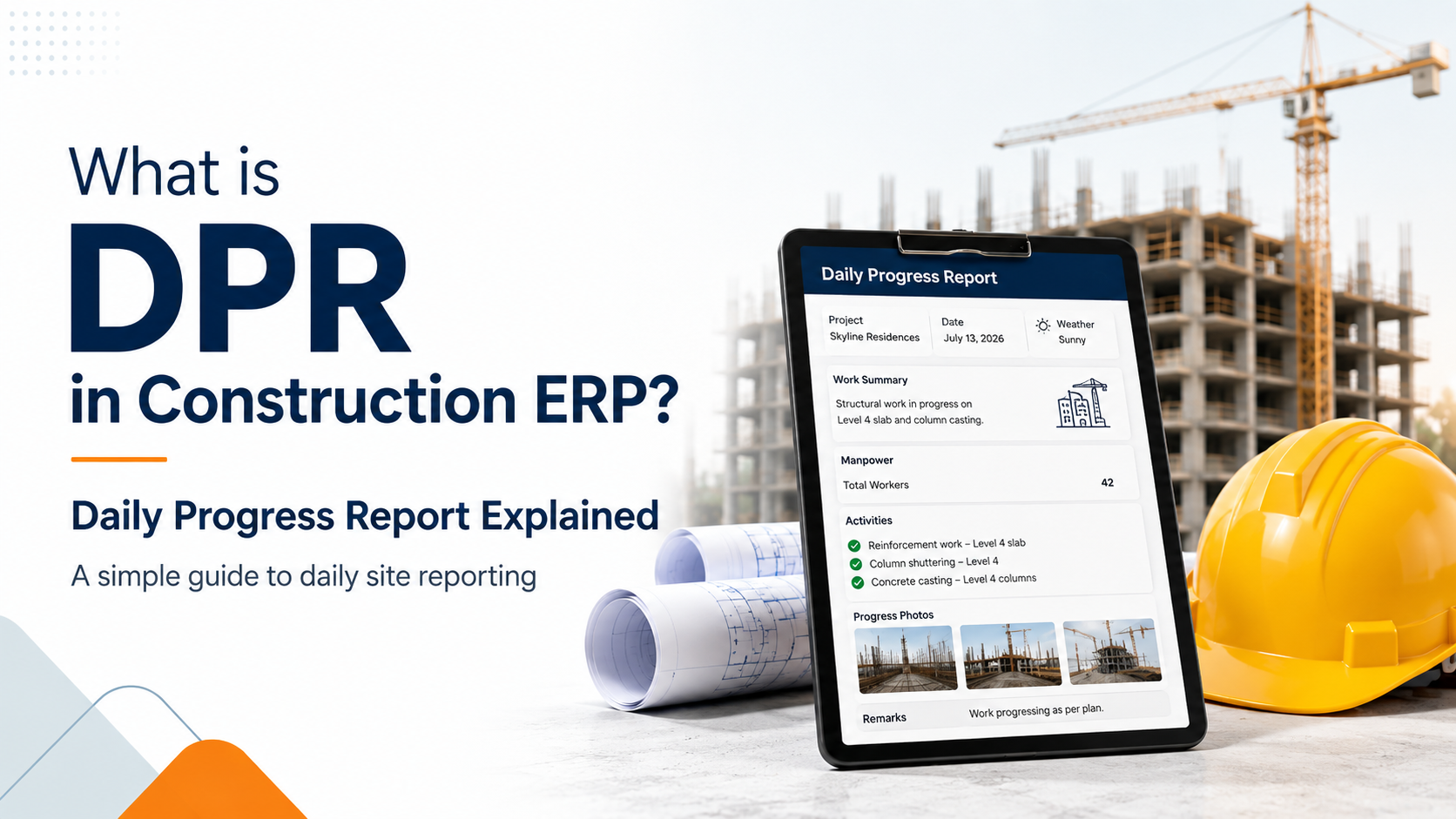
What is DPR in Construction ERP? Daily Progress Report Explained
Learn what DPR means in Construction ERP and how Daily Progress Reports help construction…

Mradul Mishra
Oct. 14, 2026
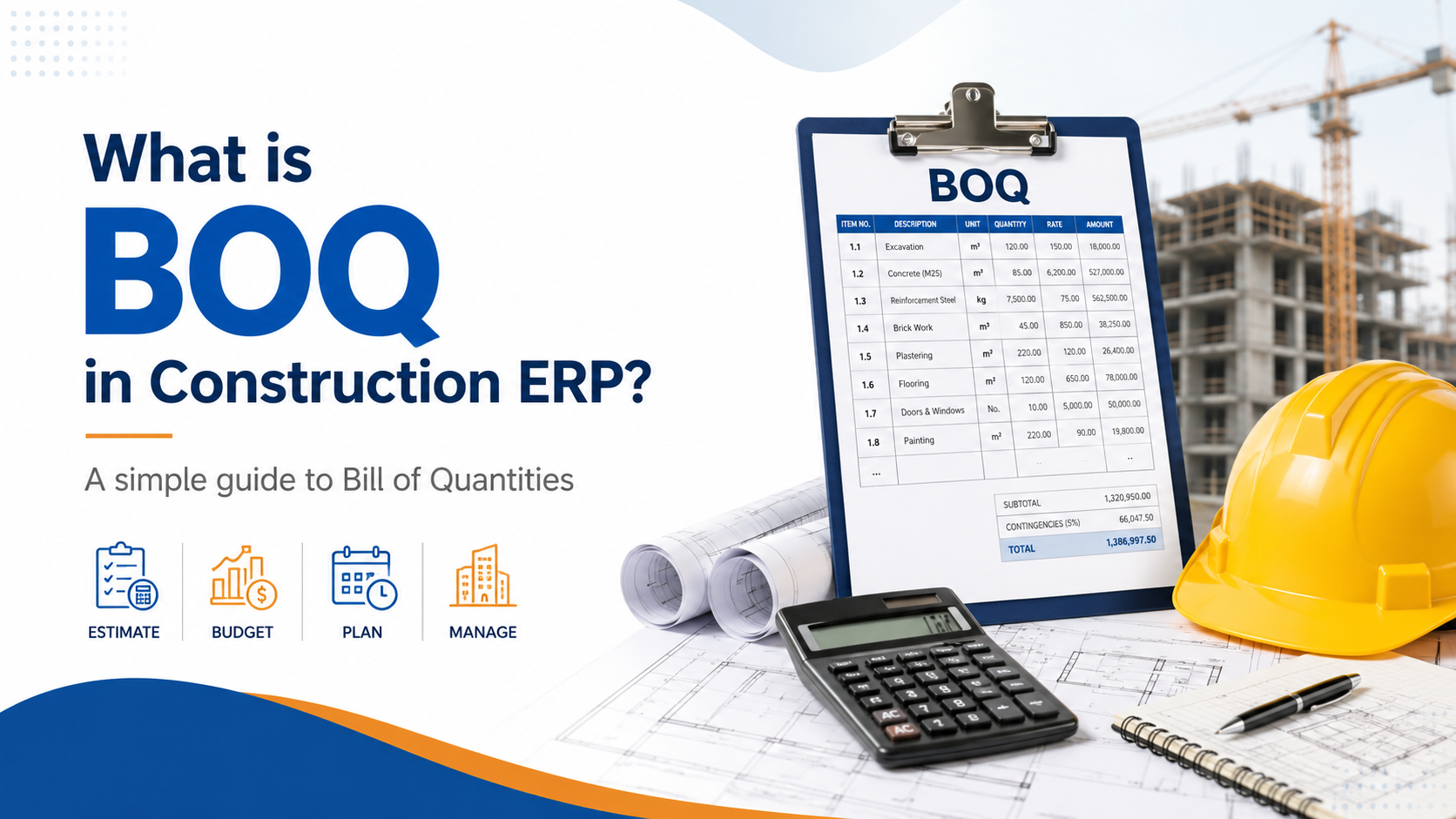
What is BOQ in Construction ERP?
Learn what BOQ means in Construction ERP and how Bill of Quantities helps manage estimati…
Mradul Mishra
Oct. 14, 2026
What is RA Bill in Construction Management? Complete Guide for Contractors
Learn what RA Bill means in construction management, how Running Account Bills work, and …
Mradul Mishra
Oct. 14, 2026