
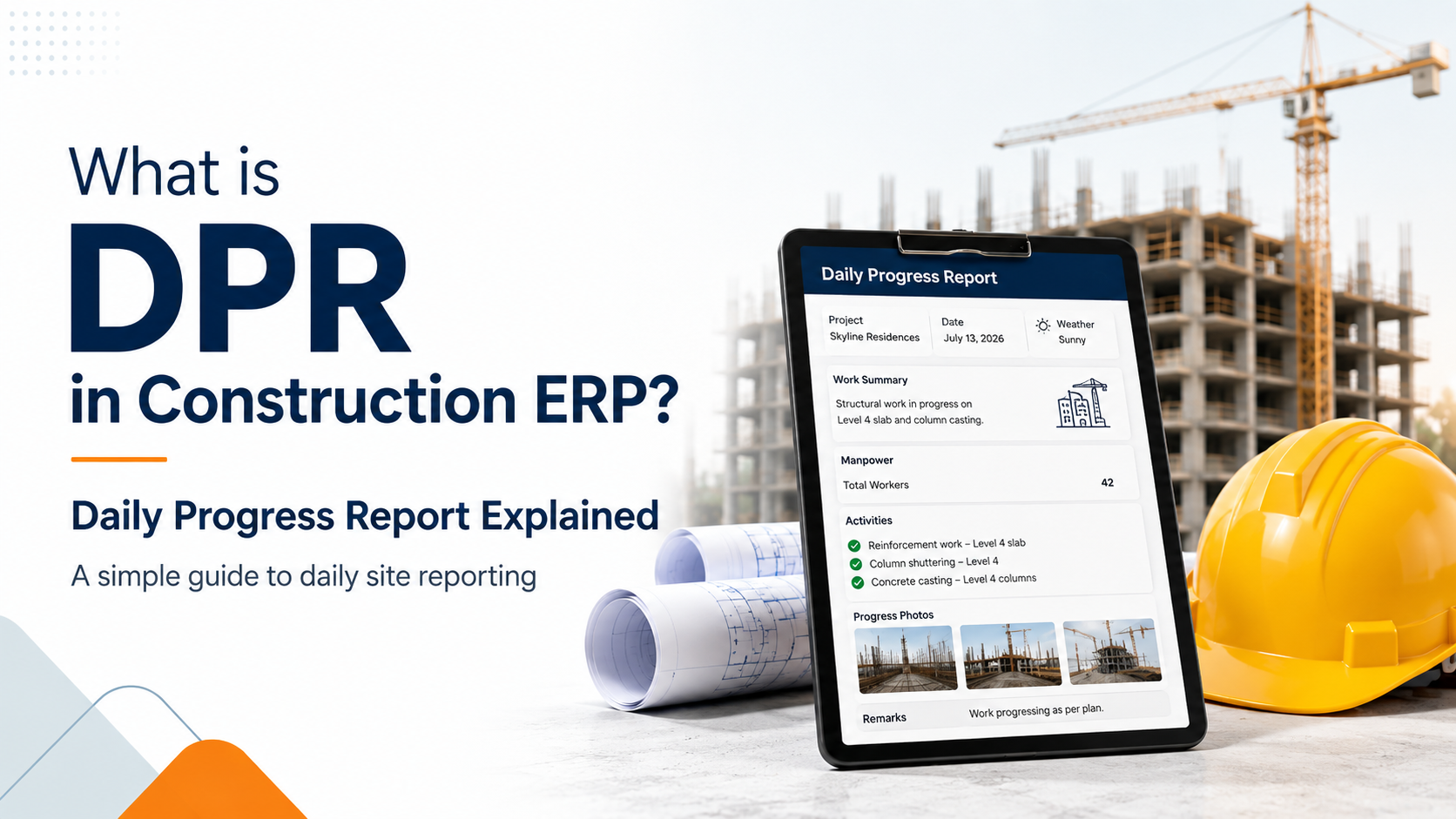
In construction projects, every day matters. Work happens daily, material is consumed daily, labour is deployed daily, machines are used daily, and problems also come daily.
But many construction companies still manage daily site updates through WhatsApp messages, Excel sheets, photos, phone calls, and handwritten notes. The problem is that this information stays scattered and does not connect with project cost, BOQ, material consumption, labour productivity, billing, or profitability.
This is where DPR, or Daily Progress Report, becomes very important.
In a Construction ERP, DPR is not just a daily update. It becomes a live project control document that helps management understand what is actually happening at the site.
What is DPR in Construction?
DPR stands for Daily Progress Report.
It is a report prepared by the site team to record daily construction activity.
A DPR usually includes:
-
Work completed today
-
Labour deployed
-
Material consumed
-
Machinery used
-
Subcontractor work
-
Site photos
-
Delay reasons
-
Quality and safety observations
-
Next day work plan
In simple words, DPR tells management: what happened at the site today?
Why DPR is Important for Construction Companies
For construction companies, DPR is not only a reporting format. It directly affects project control, billing, cost, and profitability.
Without proper DPR, management usually faces problems like:
-
No clear site progress visibility
-
Delayed updates from site teams
-
Material consumption not tracked properly
-
Labour productivity not measured
-
Equipment usage not recorded
-
Project delays identified too late
-
Billing and measurement mismatch
-
Project cost not visible in real time
When DPR is managed inside ERP, construction companies can track daily progress in a structured and reliable way.
What Should a DPR Include?
A good DPR in Construction ERP should capture all important site activities in one place.
1. Project and Site Details
Every DPR should be linked with the correct project.
It should include:
-
Project name
-
Site location
-
DPR date
-
Site engineer
-
Project manager
-
Work area, block, floor, or tower
This helps management check project-wise and site-wise progress easily.
2. Work Completed Today
This is the main part of DPR.
The site team should record the work completed during the day against project activities or BOQ items.
Example:
| Work Item | Unit | Planned Qty | Completed Qty | Balance Qty |
|---|---|---|---|---|
| RCC Work | CUM | 100 | 85 | 15 |
| Brick Work | SQM | 300 | 250 | 50 |
| Plaster Work | SQM | 200 | 160 | 40 |
This helps compare planned work vs actual work.
3. Labour Deployment
Labour cost is one of the biggest expenses in construction.
DPR should record:
-
Labour type
-
Number of workers
-
Contractor name
-
Work assigned
-
Overtime, if any
Example:
| Labour Type | Count | Work Assigned |
|---|---|---|
| Mason | 12 | Brick Work |
| Helper | 20 | Material Shifting |
| Steel Fitter | 8 | Reinforcement Work |
| Electrician | 4 | Conduit Work |
This helps track labour productivity and contractor performance.
4. Material Consumption
DPR should record which materials were consumed during the day.
Example:
| Material | Unit | Consumed Qty | Used For |
|---|---|---|---|
| Cement | Bags | 420 | RCC Work |
| Steel | MT | 4.8 | Slab Reinforcement |
| Sand | CUM | 32 | RCC Work |
| Aggregate | CUM | 48 | RCC Work |
When this is connected with ERP inventory, the system can update project-wise material consumption and stock balance.
This helps reduce wastage and overconsumption.
5. Machinery and Equipment Usage
Construction projects use machines like JCB, concrete pumps, mixers, generators, and cranes.
DPR should capture:
-
Equipment used
-
Running hours
-
Fuel consumed
-
Operator name
-
Breakdown, if any
Example:
| Equipment | Running Hours | Status |
|---|---|---|
| Concrete Pump | 6 Hours | Working |
| JCB | 3 Hours | Working |
| Generator | 8 Hours | Working |
This helps calculate equipment cost and identify idle machinery.
6. Subcontractor Work
Many activities are executed by subcontractors.
DPR should track subcontractor-wise daily work, such as:
-
Subcontractor name
-
Work completed
-
Quantity completed
-
Labour deployed
-
Remarks
This later helps in subcontractor billing and performance tracking.
7. Site Photos and Attachments
A digital DPR should allow site engineers to upload photos directly from site.
Photos can include:
-
Work progress
-
Material receipt
-
Quality checks
-
Safety issues
-
Completed activity
-
Client instructions
This creates proof of work and improves transparency between site team and management.
8. Delay and Issue Tracking
Every delay should be recorded with a reason.
Common delay reasons include:
-
Material shortage
-
Labour shortage
-
Machine breakdown
-
Weather issue
-
Drawing not received
-
Client approval pending
-
Subcontractor delay
Example:
| Issue | Impact | Action Required |
|---|---|---|
| Concrete supply delayed | Slab casting delayed by 1 hour | Vendor follow-up |
| Labour shortage | Brick work slow | Arrange extra labour |
| Drawing approval pending | Plumbing work on hold | Follow up with client |
This helps project managers take faster action.
9. Next Day Plan
A good DPR should also include tomorrow’s work plan.
This may include:
-
Planned activity
-
Required material
-
Required labour
-
Required equipment
-
Pending approvals
This helps the site team and management stay prepared.
DPR Workflow in Construction ERP
A good DPR workflow in ERP should look like this:
Project Plan → BOQ Activity → Daily Work Entry → Material Consumption → Labour Entry → Equipment Usage → Site Photos → Approval → Project Progress Update → Costing Dashboard
This workflow connects daily site activity with project control.
How DPR Connects with BOQ and Project Costing
In Construction ERP, DPR should be linked with BOQ.
When the site engineer enters daily work completed, the system can update BOQ progress.
Example:
| BOQ Item | BOQ Qty | Completed Till Date | Balance Qty |
|---|---|---|---|
| RCC Work | 500 CUM | 220 CUM | 280 CUM |
| Brick Work | 2,000 SQM | 850 SQM | 1,150 SQM |
| Plaster Work | 4,500 SQM | 1,250 SQM | 3,250 SQM |
This gives real-time progress visibility.
DPR also helps calculate daily project cost by capturing:
-
Material consumed
-
Labour deployed
-
Equipment used
-
Subcontractor work
-
Site expenses
This helps management understand whether the project is running within budget or going into loss.
DPR and RA Billing
DPR also supports RA billing.
Daily progress entered in DPR can help prepare Measurement Book entries. After verification, certified quantities can be used for RA billing.
The ideal flow is:
DPR Quantity → Measurement Verification → Certified Quantity → RA Bill
This ensures that billing is based on actual and verified work.
Problems with Manual DPR
Manual DPR creates many problems for construction companies.
Common issues include:
-
DPR submitted late
-
Missing information
-
Photos scattered on WhatsApp
-
No link with BOQ
-
No link with material consumption
-
Manual Excel consolidation
-
No approval workflow
-
No real-time costing
-
Difficult to track delays
-
Management gets outdated reports
Manual DPR may record information, but it does not give live project control.
Benefits of DPR in Construction ERP
A digital DPR inside Construction ERP helps companies:
-
Track daily site progress
-
Connect progress with BOQ
-
Monitor material consumption
-
Control labour productivity
-
Track equipment usage
-
Record subcontractor work
-
Capture site photos in one place
-
Identify delays early
-
Improve RA billing accuracy
-
Track project cost in real time
-
Reduce Excel and WhatsApp dependency
-
Improve management visibility
For construction business owners, this means better control and fewer surprises at the end of the project.
How ERPNext Helps in DPR Management
ERPNext can be implemented and customized for construction companies to manage DPR in a structured way.
With the right ERPNext implementation, companies can connect DPR with:
-
Project management
-
BOQ tracking
-
Site inventory
-
Material consumption
-
Labour attendance
-
Equipment usage
-
Subcontractor work
-
Measurement Book
-
RA billing
-
Project costing
-
Profitability dashboard
Instead of checking multiple Excel files and WhatsApp groups, management can see project progress, cost, material usage, and pending issues from one system.
This is very useful for construction companies handling multiple projects and sites.
Final Thoughts
DPR is one of the most important reports in construction project management. It records what actually happens at the site every day.
But DPR becomes truly useful when it is managed inside a Construction ERP.
A digital DPR helps construction companies connect daily site progress with BOQ, material consumption, labour, equipment, subcontractors, delays, RA billing, costing, and profitability.
At Vigisolvo, we help construction companies implement and customize ERPNext for BOQ management, DPR, site inventory, RA billing, subcontractor billing, project costing, and profitability tracking.
If your construction company is still managing projects through Excel, WhatsApp, and manual site reports, this is the right time to move to a connected ERP system.
Insights
To properly understand the things that are prevalent in the industries, keeping up-to-date with the news is crucial. Take a look at some of our expertly created blogs, based on full-scale research and statistics on current market conditions.
What is DPR in Construction ERP? Daily Progress Report Explained
Learn what DPR means in Construction ERP and how Daily Progress Reports help construction…

Mradul Mishra
Oct. 12, 2026
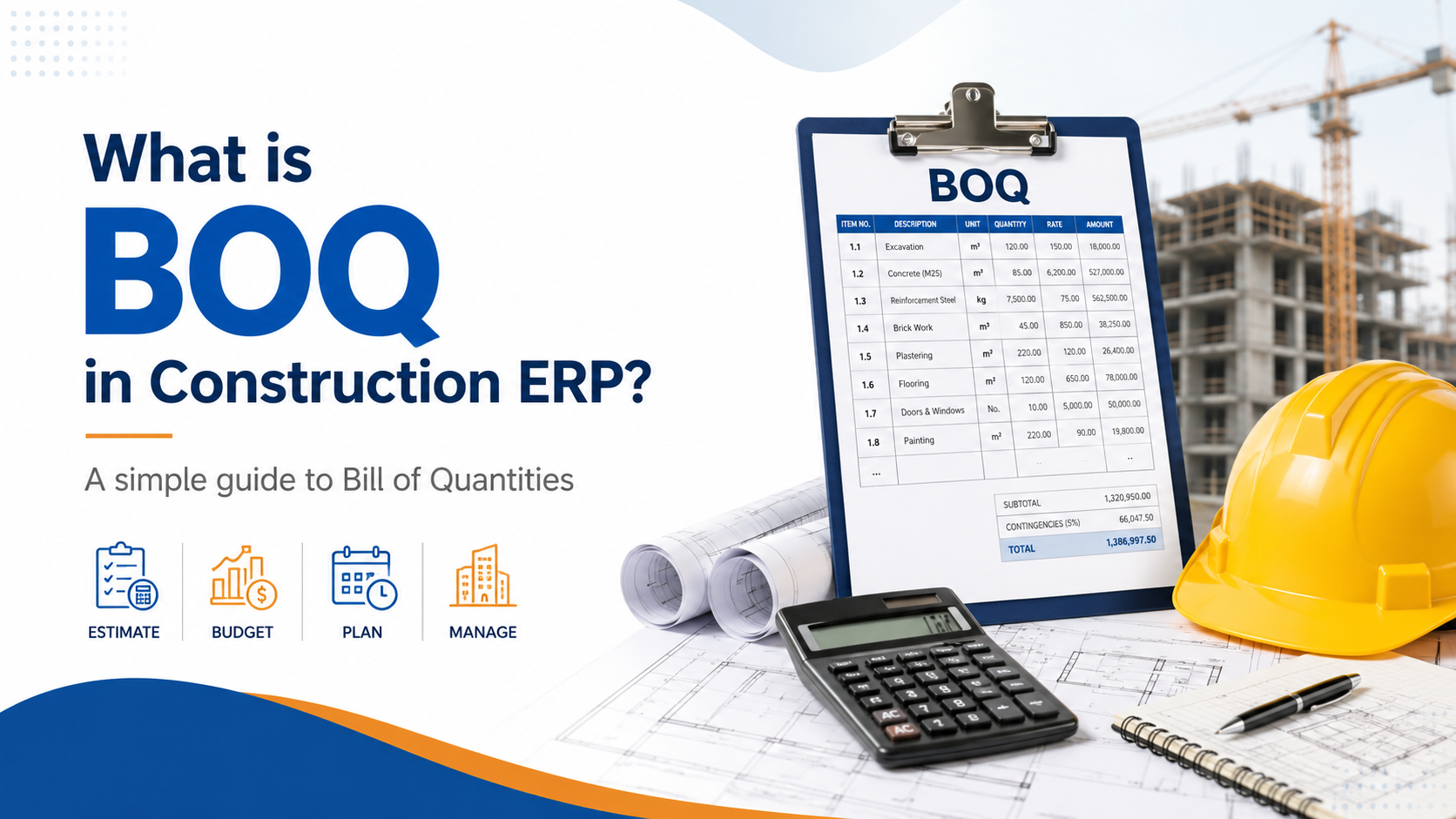
What is BOQ in Construction ERP?
Learn what BOQ means in Construction ERP and how Bill of Quantities helps manage estimati…
Mradul Mishra
Oct. 12, 2026
What is RA Bill in Construction Management? Complete Guide for Contractors
Learn what RA Bill means in construction management, how Running Account Bills work, and …
Mradul Mishra
Oct. 12, 2026